
Picklist Management
The Picklist is a specialized tool used by lead scouts and drive coaches to rank teams for alliance selections. It allows for dynamic reordering and live tracking of picked teams during the eliminations.
Initializing the List
Section titled “Initializing the List”When you first open a new event, the picklist will be empty. You must synchronize it with the global event data to populate the team list.
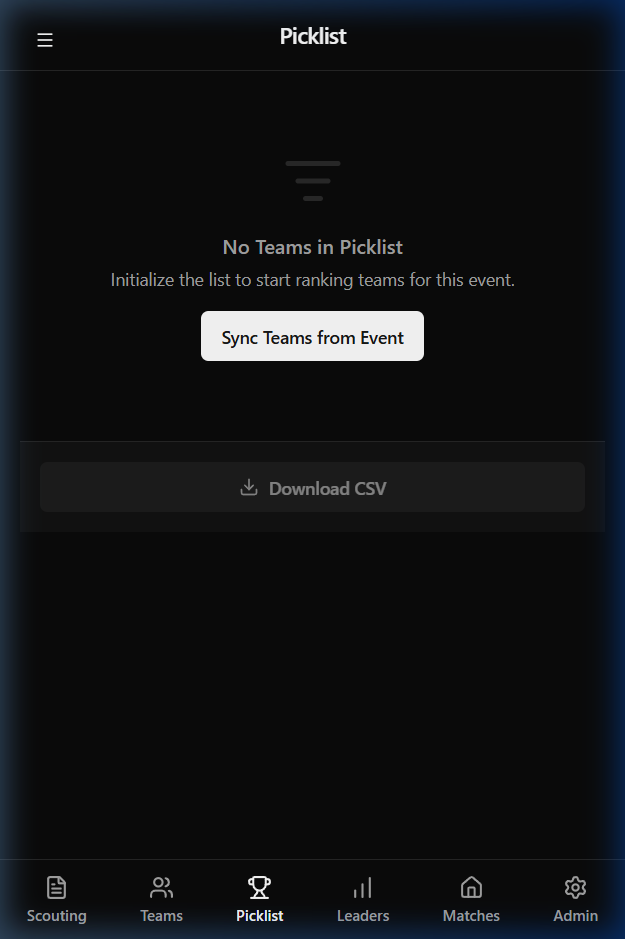
Click Sync Teams from Event to load all registered teams into your workspace.
Ranking and Reordering
Section titled “Ranking and Reordering”Once the teams are loaded, you can begin the ranking process.
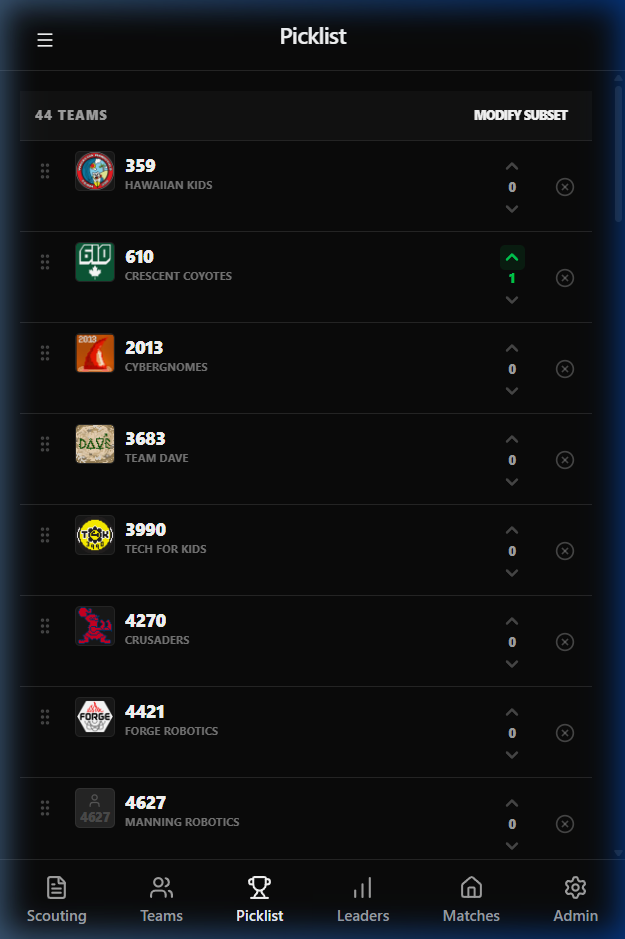
1. Drag and Drop (Primary Sorting)
Section titled “1. Drag and Drop (Primary Sorting)”The only way to re-sort the master list is by dragging teams. On the far left of each team card is a grab handle (six dots). Click and hold this handle to slide teams up or down the list for intuitive ranking.
2. Team Comparison (Bubble Sort)
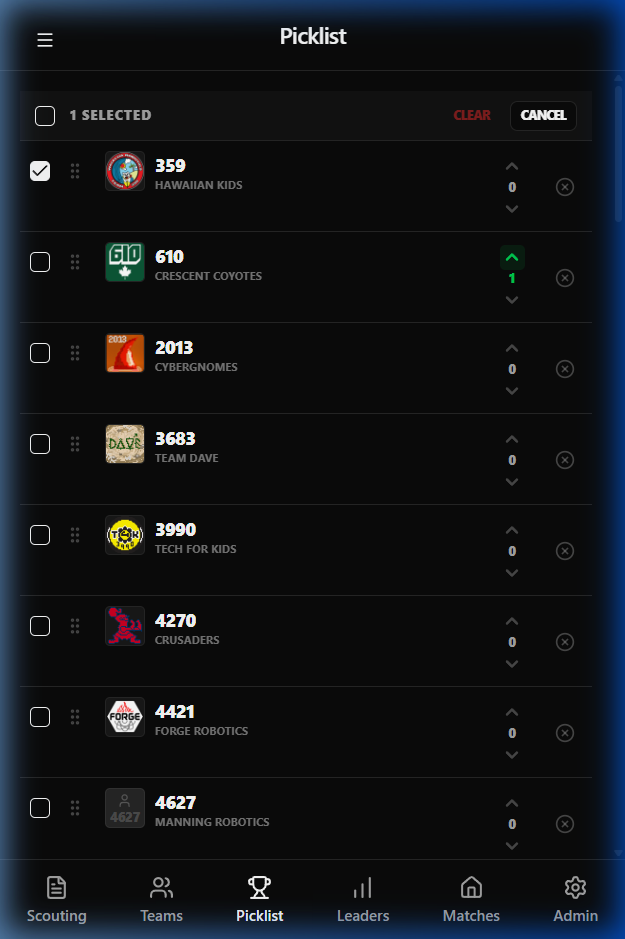
Section titled “2. Team Comparison (Bubble Sort)”When deciding between specific teams, use the Subset (Checkmark) button in the top-right corner.
- Select Multiple Teams: Enter selection mode and pick the teams you wish to compare.
- Compare: Once selected, you will enter a focused “bubble sort” view where you can rank just that subset against one another before returning to the main list.
Signaling Preference (Karma)
Section titled “Signaling Preference (Karma)”Next to the team name, you will find Up and Down arrows. These are not for sorting, but for Karma.
- Upvote/Downvote: Team members can use these arrows to signal their preference for a team to the Scout Lead.
- Scout Lead Feedback: This collective “Karma” value helps the Scout Lead understand the team’s consensus on a specific robot beyond its numerical position in the list.
Live Selection Tracking
Section titled “Live Selection Tracking”During the alliance selection process at the event, you can mark teams as “Picked” to remove them from your active ranking list.
- Mark as Picked: Click the X icon on the far right of any team.
- Stricken Teams: Picked teams will appear “stricken” through and move to the bottom of the active view, allowing you to focus on the remaining available talent.
Exporting Your Data
Section titled “Exporting Your Data”At any point, you can export your current rankings by clicking the Download CSV button at the bottom of the list. This is useful for sharing the final list with drive coaches or printing it for the field.